Decide what happens when a lead fails a check
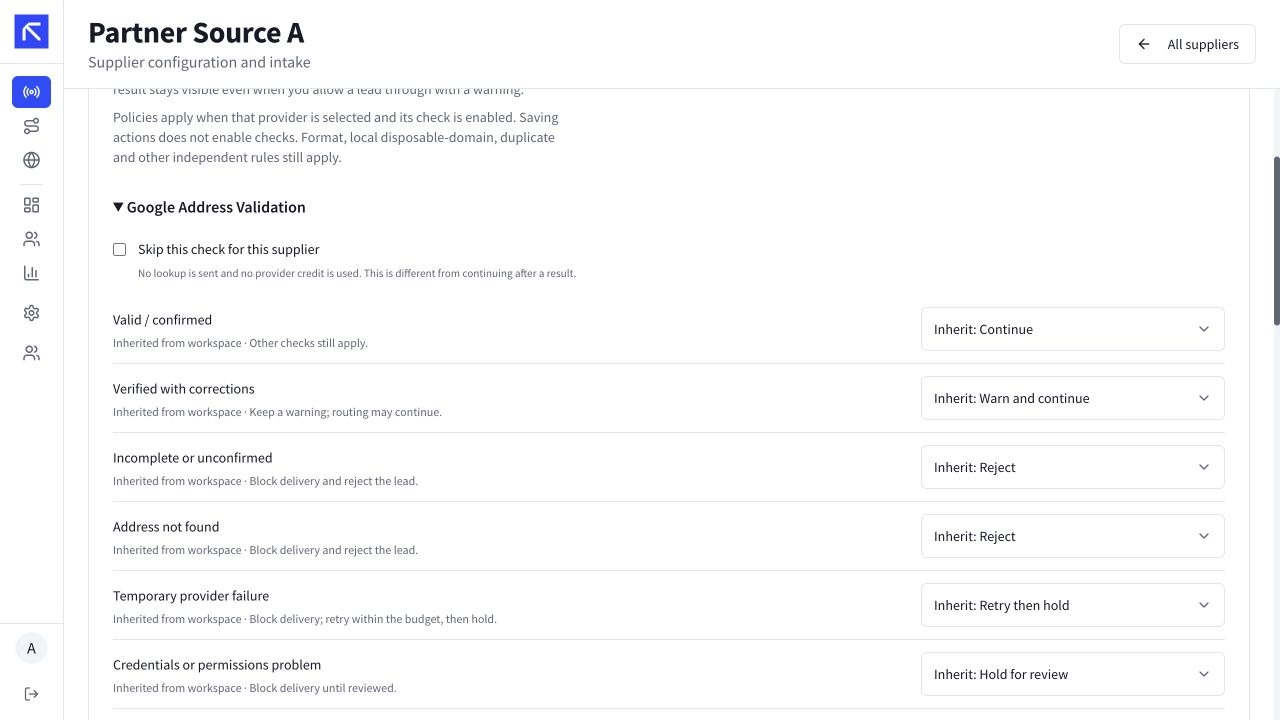
Choose which provider results should warn, hold, retry or reject a lead. LeadRoute records the original finding so you can review what the provider returned.
No credit card required.
Set workspace defaults and supplier exceptions
Warn and continue
Let an incomplete address through
Keep the finding visible and let processing continue when your policy allows it.
Hold for review
Pause delivery
Give an operator time to review the finding before the lead can go to a buyer.
Reject
Stop the lead
Reject a lead when the finding fails your acceptance rules.
Preview the policy before a paid lookup
Try a sample result without spending provider credits. Set retry limits for temporary failures and check supplier overrides before saving.
Set the checks your buyers need
Start with one provider outcome and see how your policy handles it.
No credit card required.